Executable Actions
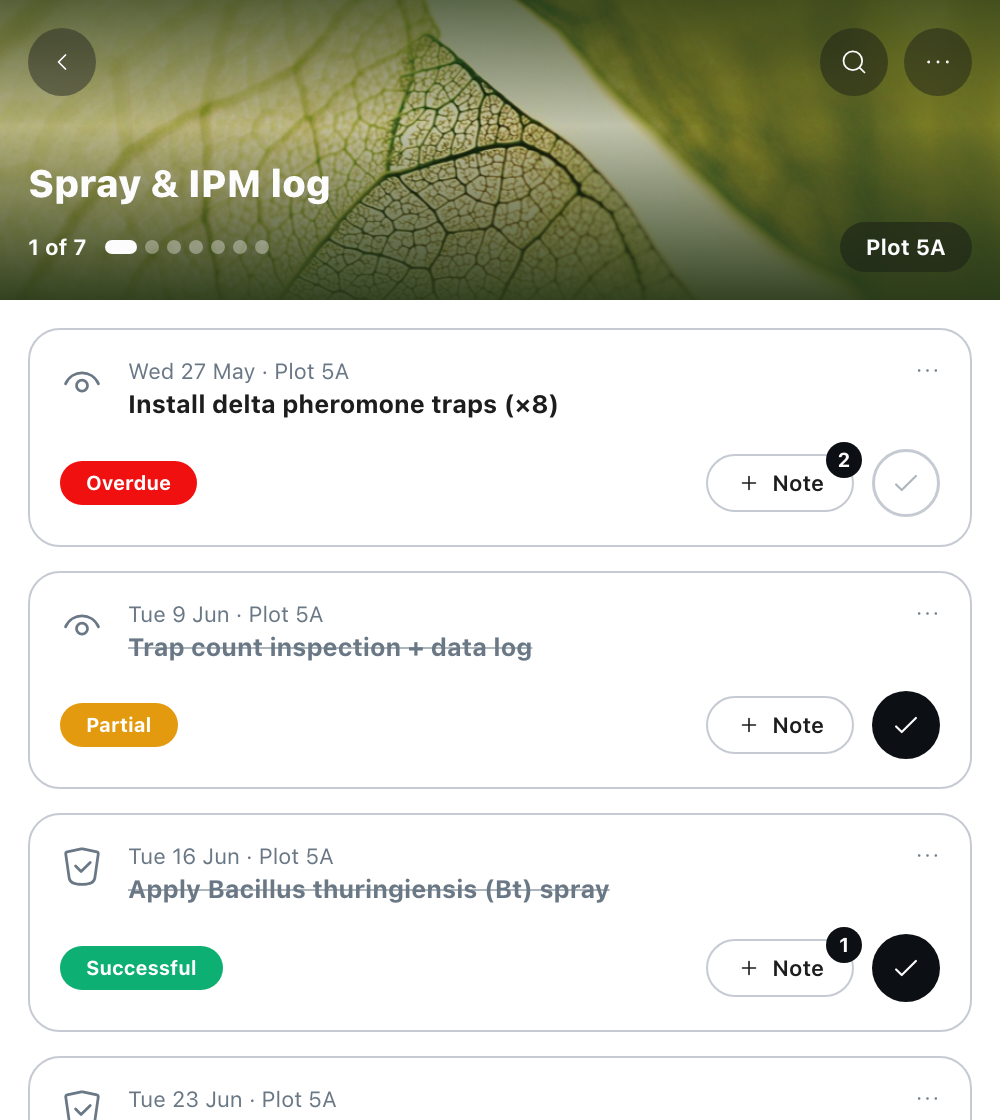
Feature 01Manual action creation Create an action from four entry points: the home screen quick action pill, the Farm Profile, a Plot Profile and the global plus menu. The creation sheet covers name, due date, category, plot or farm (up to 10 plots with a searchable multi select), assignee, and an optional description that you can type or dictate with the same voice component as Field Notes. Feature 02Action detail and status management Every action has a detail view with status, due date, category, plot badge, assignee, description and linked field notes. From there you can complete it with a result, skip it, reopen it, rename it or delete it, and choose whether to keep or delete its linked notes. A persistent Ask ORTH button opens a chat with the action’s full context, so ORTH can work from its history without you attaching anything. Feature 03Team assignment On the Teams bundle, anyone can create an action and assign it to any teammate. Once an action exists, only its creator or current assignee can change it. Everyone else sees the controls disabled and still visible, so the state of each task is clear to the whole team. Individual accounts see a locked assignee field with a prompt to upgrade to Teams. Feature 04Field Notes linkage Actions and Field Notes are linked in both directions. From an action you see its most recent linked notes and add a new note already linked to it. From the notes list, a note linked to an action shows the action’s name and opens a Linked Action card that takes you straight to it. Feature 05Upcoming actions in every profile The Farm Profile and each Plot Profile show an Upcoming Actions carousel with overdue actions first, a Create action card at the end, and a View all link into a searchable list filtered by due date, status, category, assignee and plot. On mobile, tapping a plot on the map opens a sheet with its actions and insights. Feature 06Overdue flagging on the map A nightly job at midnight in your time zone moves any Scheduled action past its due date to Overdue, and colours each plot’s border on the home map: red when the plot has an overdue action, blue when it has an action due today. The day’s priorities show before you open a single list.