Personalize ORTH: Protocols and Knowledge
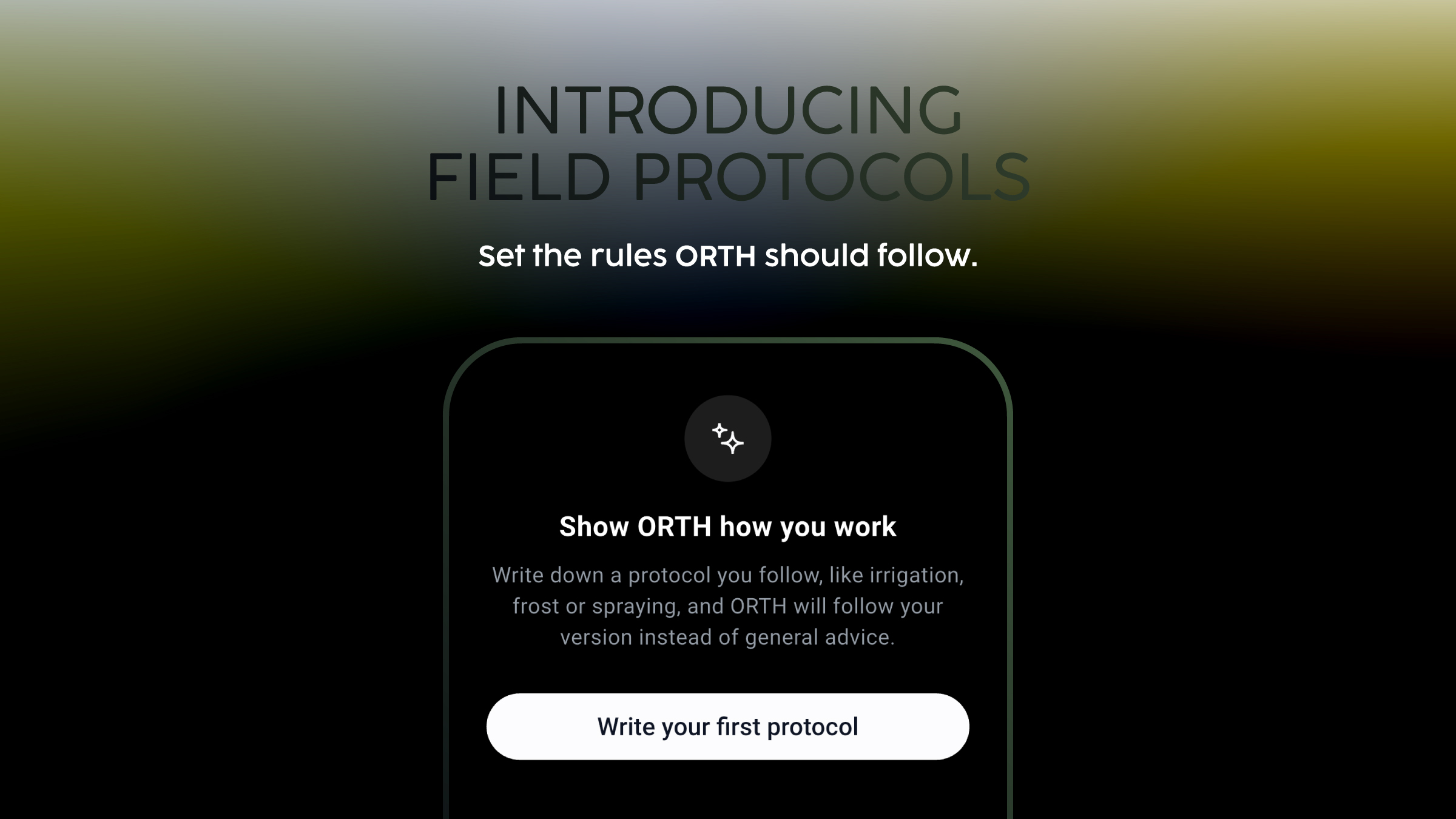
Feature 01One entry point Personalize ORTH sits between Preferences and Plan and Usage in the account menu on mobile, and has its own row in the sidebar on web. It opens on two tabs, Protocols and Knowledge, and both can be filtered by farm. Feature 02Write a protocol in your own words A protocol is a written statement of how your farm does something, and ORTH follows it in place of general advice. It takes three fields: a name, When should ORTH use this? (500 characters, dictation supported) and What should ORTH do?, guided by numbered prompts for the steps you follow, the checks you always run and what you never do. The list shows each protocol with its scope, owner and last edit, with edit, re-scope and delete in the ⋯ menu. Feature 03Set where it applies, and switch it off without deleting Scope is set when you create the protocol and can change at any time. All my farms is the default and lets ORTH use the protocol in any conversation on the account. Only certain farms limits it to the farms you select, for regional rules or farms under a different regime. The In use switch stops ORTH using a protocol while it stays saved, so seasonal procedures can wait for next year. A protocol that is off shows an Off badge. Feature 04Knowledge: the documents ORTH answers from first Where a protocol holds your judgement, Knowledge holds documents: protocols, lab reports, procedures, fertilizer plans and supplier sheets. ORTH answers from these before general agronomic knowledge. Each reference shows its file type, scope and last update, and a status of Ready for analysis or Couldn’t be processed, so you know whether ORTH has read it. Add files, or scan paper into one reference with as many pages as you need. Scope works as in Protocols, and references are shared with the whole account.